
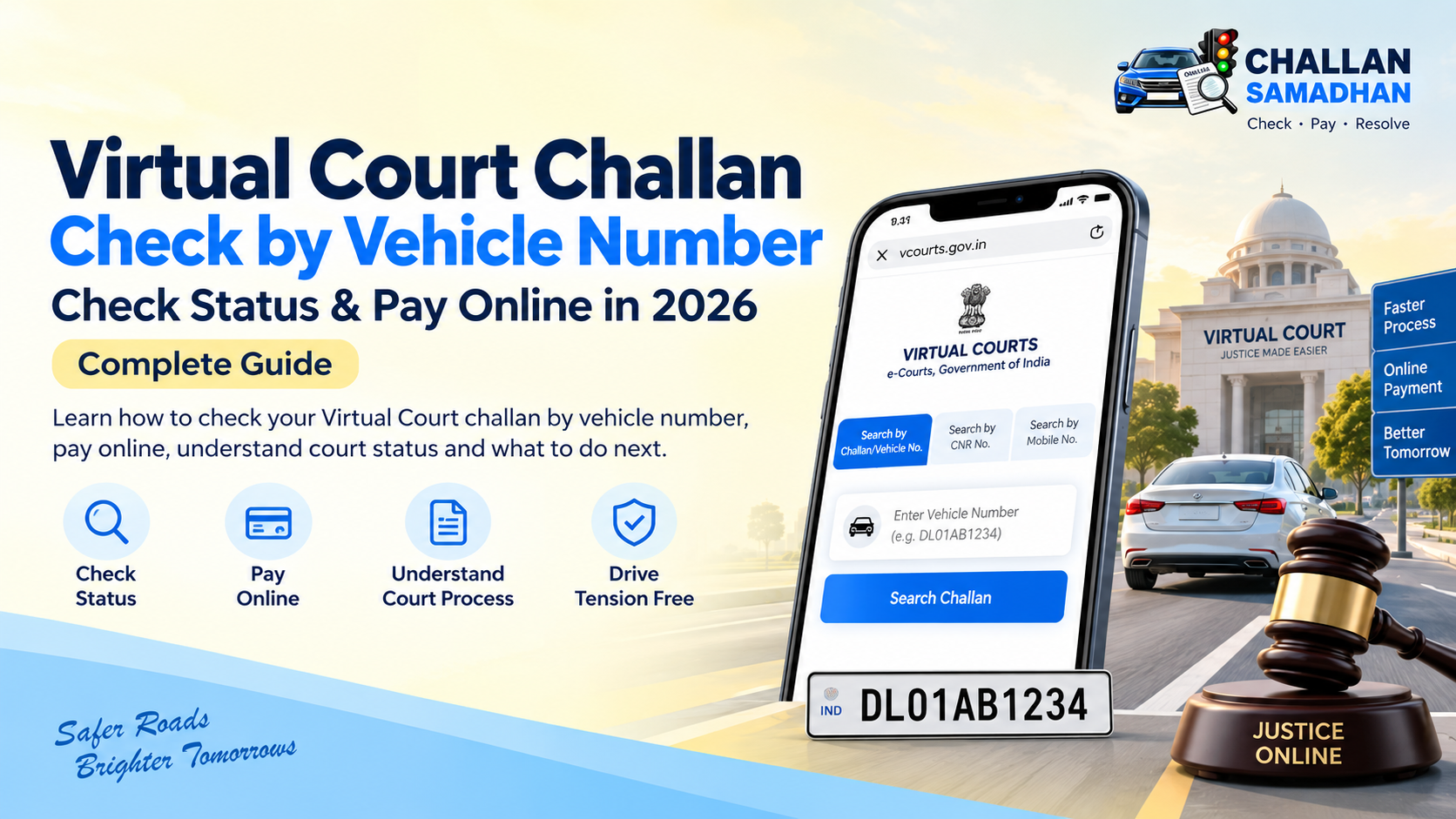
Virtual Court Challan Check by Vehicle Number: Check Status & Pay Online in 2026
Virtual Court Challan Check by Vehicle Number: How to Check & Pay Online in 2026
If your traffic challan is no longer showing as a normal online challan and the status says sent to court, you may need to check whether the matter is available on the Virtual Court portal.
Many vehicle owners search for terms such as Virtual Court challan check by vehicle number, court challan check online, Virtual Court challan payment, or challan sent to court because it is not always clear what happens after a traffic challan moves to the court stage.
This guide explains how Virtual Court challans work, how to check a challan using your vehicle number, how online payment works, and what to do if your challan is not showing.
What Is a Virtual Court Challan?
Virtual Courts are part of India's e-Courts system and are designed to handle eligible cases through an online process.
Traffic challan cases under the Motor Vehicles Act are among the categories that may be dealt with through Virtual Courts. Depending on the case and jurisdiction, a vehicle owner may be able to view the case, pay the applicable fine online or take further action without visiting a physical court for every step.
However, not every traffic challan follows exactly the same process.
The status and available options can vary depending on:
- State or traffic department
- Nature of the offence
- Current challan status
- Court to which the matter has been assigned
- Whether online disposal is available
That is why you should always check the current status of the challan before making a payment.
How to Check Virtual Court Challan by Vehicle Number
The official Virtual Courts website provides a Search by Challan/Vehicle No. option. It also supports searches through mobile number, CNR and party name.
To check your traffic challan by vehicle number, follow these steps:
Step 1: Open the Virtual Courts Portal
Visit the official Virtual Courts website and proceed to the relevant court or department.
Step 2: Select Your State or Department
Choose the applicable state or traffic department from the available options.
Make sure you select the correct jurisdiction because challan data is connected with the relevant department and court system.
Step 3: Choose Challan/Vehicle Number
Select the option that allows you to search using your challan number or vehicle registration number.
Step 4: Enter Vehicle Details
Enter the vehicle registration number carefully.
For example:
DL01AB1234
UP16AB1234
HR26AB1234
Avoid unnecessary spaces or incorrect characters.
Step 5: Review the Available Challan
If the case is available, review the information shown on the portal.
Depending on the case, you may be able to view details related to the challan, case or payment.
Before proceeding, check that the displayed vehicle and challan information actually belongs to you.
What Does “Challan Sent to Court” Mean?
A challan sent to court status generally indicates that the matter has moved beyond the initial traffic challan processing stage and has entered a court-related process.
This does not necessarily mean that you immediately need to physically visit a court.
Depending on the jurisdiction and case, the challan may become available through Virtual Court or another court process.
It is also possible that the challan does not appear on Virtual Court immediately after its status changes.
There can be a gap between the traffic department's challan status and the availability of the case in the relevant court system.
So if your challan says sent to court but is not visible on Virtual Court, do not assume that the challan has disappeared.
How to Pay a Virtual Court Challan Online
If your case is eligible for online disposal and a payment option is available, Virtual Courts can facilitate online payment of the applicable fine.
A typical process may look like:
Search Challan → Check Details → Review Fine → Select Available Option → Make Payment → Save Receipt
Before paying, verify:
Vehicle Number: Make sure it is your vehicle.
Challan Number: Match it with the challan you intend to clear.
Offence: Review the violation details.
Fine: Confirm the amount being displayed.
Case Status: Check whether the challan is actually eligible for online payment.
After completing payment, save the transaction acknowledgement or receipt.
Do not immediately make another payment if the status does not update within a few minutes.
First check whether the original transaction was successful.
Virtual Court Challan Not Showing by Vehicle Number?
This is one of the most common situations faced by vehicle owners.
Your challan may show a court-related status on one system but may not immediately appear when you perform a Virtual Court challan check by vehicle number.
There can be several possible reasons.
1. Challan Is Still Being Processed
The matter may have been marked for court processing but may not yet be available on the Virtual Court portal.
2. Wrong State or Department Selected
If you select the wrong jurisdiction, the correct challan may not appear.
3. Vehicle Number Entered Incorrectly
Check the registration number carefully and try again.
4. Case May Be With Another Court Process
Not every court challan is necessarily handled through the same Virtual Court workflow.
5. Challan May Already Be Disposed
If the matter has already been resolved, its current status may differ from the original pending challan.
The safest approach is to verify the latest status before making another payment or taking further action.
Can You Search a Court Challan Without a Challan Number?
Yes.
If you do not know your challan number, the official Virtual Courts portal supports searching by Challan/Vehicle No. and also provides additional search methods.
This makes the vehicle registration number particularly useful for people who:
- Lost their challan number
- Did not receive an SMS
- Purchased a used vehicle
- Want to check an old traffic challan
- Are trying to understand a court-related challan status
However, a vehicle-number search should not be treated as proof that no challan exists if no result appears.
The current challan may still exist in another stage or system.
Can a Virtual Court Challan Be Contested?
In applicable cases and jurisdictions, a person may have the option to contest the challan rather than simply paying it.
For example, Delhi District Courts states that when a pending challan is visible on Virtual Court, a user may choose “I wish to contest the case”, after which the matter can be transferred to the Digital Traffic Court process.
The exact procedure depends on the jurisdiction.
If you believe the challan contains incorrect information or you have a genuine reason to challenge it, review the available options carefully before making payment.
Once a matter is paid and disposed of, the procedural position may be different.
Virtual Court Challan vs Normal E-Challan
Many vehicle owners assume that an e-challan and a Virtual Court challan are the same thing.
They are related, but they can represent different stages in the challan process.
Normal E-Challan
A regular traffic challan may initially be available through the relevant traffic police or e-challan system.
At this stage, eligible challans may have a normal online payment option.
Virtual Court Challan
If the matter progresses to a court-related stage, an eligible case may become available through Virtual Court.
The available action can then depend on the court status and jurisdiction.
This is why you should not rely on an old screenshot or previous challan status.
Always check the latest information before paying.
Why Should You Check Pending Challans Regularly?
Traffic challans are often ignored until a vehicle owner needs to sell the vehicle, transfer ownership or complete another vehicle-related process.
Checking the challan status periodically can help you identify issues earlier.
A regular check can help you understand whether a challan is:
- Pending
- Payable online
- Sent to court
- Under court processing
- Already paid
- Disposed
- Requiring further action
It also reduces the possibility of discovering an unresolved challan at the last moment.
Check Challan Before Buying or Selling a Used Vehicle
Before completing a used-car deal, both the buyer and seller should check the vehicle's available challan information.
Do not rely only on verbal confirmation from the other party.
A pending or court-related challan can create unnecessary confusion during a vehicle transaction.
Before proceeding, check:
- Vehicle registration number
- Pending challans
- Court challan status
- Available payment status
- Existing receipts for previously paid challans
This is particularly useful before beginning the RC transfer process.
Understanding Your Challan Status Before Payment
One of the main problems vehicle owners face is not the payment itself—it is understanding where the challan currently stands.
A challan can move through different stages, and the next step should depend on the current status.
This is also the approach behind Challan Samadhan: first help a vehicle owner understand the available challan details and status, then identify the relevant next step instead of treating every challan exactly the same way.
For example, a normally payable challan and a challan already moved to a court-related stage may require different action.
That is why checking before paying is important.
Common Mistakes While Checking Virtual Court Challans
Avoid these common mistakes:
Paying Without Checking Vehicle Details
Always confirm that the registration number displayed belongs to your vehicle.
Paying the Same Challan Twice
If you already attempted payment, check the transaction status before retrying.
Assuming “Not Showing” Means “No Challan”
A missing result does not always mean that the challan has been cancelled.
Using Unverified Payment Links
Traffic challan scams can imitate legitimate payment pages.
Use trusted or official sources and check the domain before entering payment information.
Ignoring Court Status
If the challan has moved to court, repeatedly trying the original payment route may not solve the issue.
What Information Should You Verify Before Paying a Challan?
Before making any traffic challan payment, check the following information carefully:
Vehicle Number
Confirm the registration number.
Challan Number
Match it with your pending challan.
Offence Details
Check the recorded violation.
Challan Date
Verify when the challan was issued.
Fine Amount
Check the amount currently payable.
Court Status
See whether the challan is pending normally or has moved to court.
Payment Status
Make sure the challan has not already been paid or disposed of.
A few minutes spent verifying these details can prevent unnecessary payment-related problems later.
What If You Still Cannot Understand the Challan Status?
Court-related challan statuses can sometimes be confusing, particularly when information is appearing differently across systems.
If you are unsure whether your challan is:
pending, payable, sent to court or already under a court process, check the latest available details before taking any action.
Vehicle owners can also use Challan Samadhan to check available challan information and understand the relevant next steps for their challan.
The objective should always be simple:
Check first. Understand the status. Then take action.
Frequently Asked Questions About Virtual Court Challan
How can I check a Virtual Court challan by vehicle number?
Go to the official Virtual Courts portal, select the relevant state or department and use the Challan/Vehicle No. search option. The official portal currently lists vehicle/challan number as one of its supported search methods.
How can I check if my traffic challan has gone to court?
Check the latest status of your traffic challan. If it shows a court-related status, you can also check the relevant Virtual Court or court system to determine whether the case is available there.
Can I pay a Virtual Court challan online?
Eligible Virtual Court matters can provide an online fine-payment facility. The actual options available depend on the case and jurisdiction.
Why is my Virtual Court challan not showing?
It may still be under processing, you may have selected the wrong jurisdiction, the case may be routed through another court process, or the details entered may be incorrect.
Can I check a Virtual Court challan without a CNR number?
Yes. The Virtual Courts portal also supports Challan/Vehicle No., mobile number and party-name searches.
Can I contest a traffic challan online?
The available process varies by jurisdiction. Delhi District Courts, for example, provides a process through which an eligible Virtual Court challan can be selected for contest and transferred to Digital Traffic Court.
Is Virtual Court an official government website?
Yes. The Virtual Courts portal states that it is designed and developed by the National Informatics Centre under the e-Courts project for the e-Committee of the Supreme Court of India.
Final Words
A traffic challan showing sent to court does not have to be confusing.
Start by checking the latest challan status. If the matter is available through Virtual Court, review the case details and the options presented for that particular challan.
Never make a payment simply because you received a message or link. Verify the vehicle number, challan details, amount and current status first.
For vehicle owners who want a simpler way to understand pending challans and the available next steps, Challan Samadhan focuses on making the challan journey easier to understand.
This guide was prepared under the guidance of Mayank Ruhela, Founder of Challan Samadhan, with the aim of simplifying traffic challan and Virtual Court information for vehicle owners.