
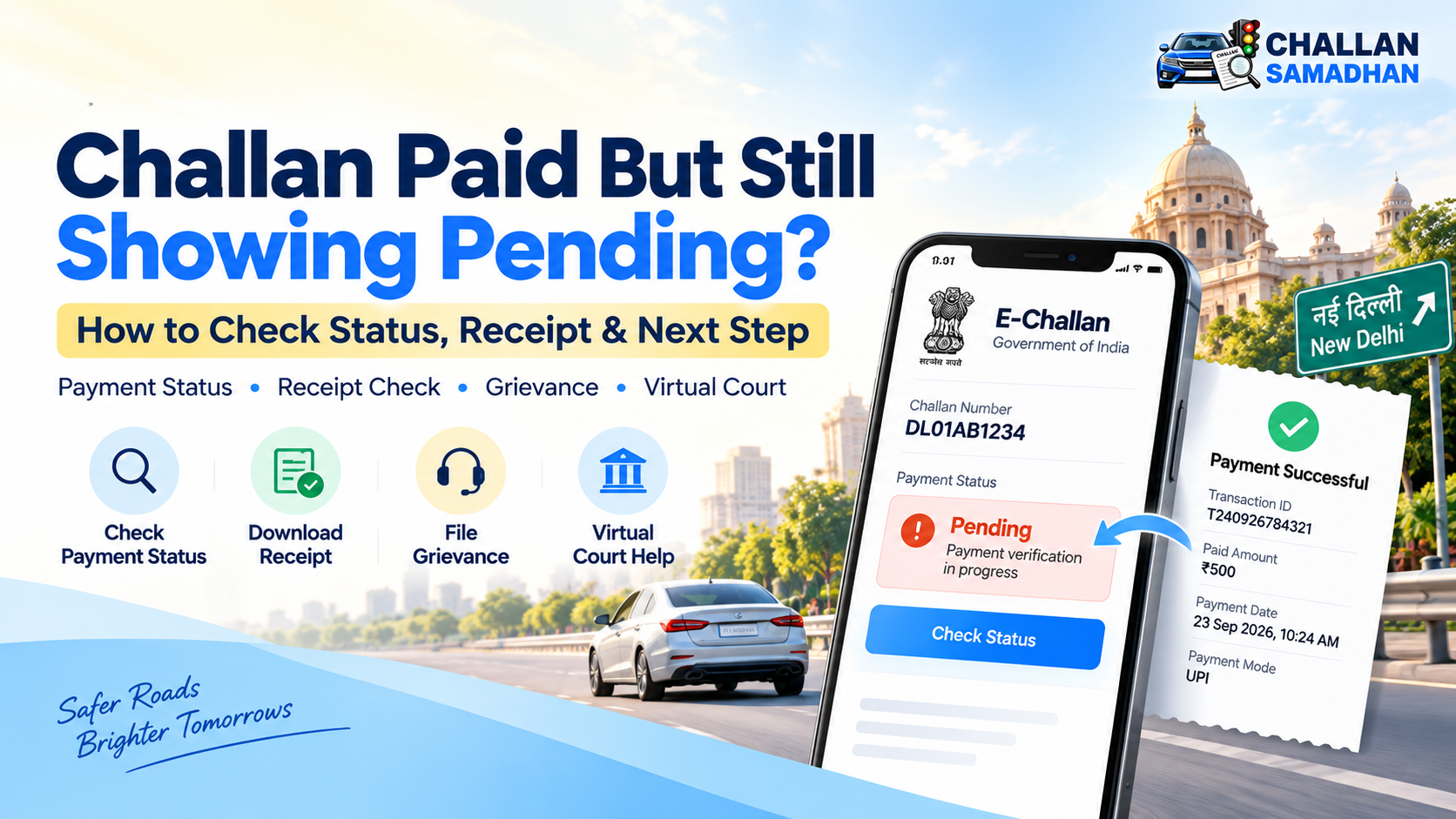
Challan Paid But Still Showing Pending? How to Fix E-Challan Status in 2026
Challan Paid But Still Showing Pending? How to Fix E-Challan Status in 2026
Last Updated: 10 October 2026
Have you paid your traffic challan online, but the eChallan portal still shows it as pending? Or has the money been deducted from your bank account while the payment receipt is missing?
This can be confusing, especially when you need to clear a pending challan before completing a vehicle-related process.
A successful bank transaction does not always mean the challan record has immediately been updated. In some cases, the payment requires verification, while in others, the challan may be associated with a separate court proceeding.
In this guide, Challan Samadhan explains how to check your payment status, download a receipt, raise a grievance and verify whether the challan has actually been settled.
Why Is My Challan Still Showing Pending After Payment?
There are several possible reasons why a paid traffic challan may continue to appear as pending.
1. Payment Status Has Not Been Updated
Sometimes, the payment gateway and the challan database may not reflect the same status immediately.
Your bank may show a successful transaction while the government portal has not yet confirmed or updated the payment.
2. Transaction Verification Is Pending
A payment may require reconciliation or verification before the corresponding challan record is updated.
A bank debit message alone is not sufficient evidence that the challan has been settled.
3. Challan Has Been Forwarded to Court
Some traffic challans are transferred to a Virtual Court or another competent court.
Where a court proceeding exists, users should verify the court case status separately rather than relying only on the traffic challan payment screen.
4. Incorrect Challan or Transaction Details
Entering an incorrect challan number, vehicle registration number or other details may cause you to view a different record.
Always cross-check your payment acknowledgement against the challan details.
How to Check E-Challan Payment Status Online
If your traffic challan still appears pending, follow these steps.
Step 1: Visit the official eChallan portal at https://echallan.parivahan.gov.in/
Step 2: Open the challan details or payment-status section available on the portal.
Step 3: Enter the relevant challan number or vehicle registration details.
Step 4: Complete the required verification.
Step 5: Review the challan status, payment information and any available receipt.
If the portal offers a pending transaction verification option, use it to check whether the earlier payment has been confirmed.
Important: Avoid making another payment for the same challan until the previous transaction has been verified.
Payment Successful but Challan Not Disposed: What Is the Difference?
Many vehicle owners assume that a successful payment automatically means the entire matter has been closed.
However, payment status and case disposal status can represent different stages.
Payment Successful: The relevant payment system has recorded or confirmed the transaction.
Challan Paid: The challan record reflects the payment.
Case Disposed: The competent authority or court has recorded the disposal of the proceeding.
For an ordinary payable challan, a confirmed payment may complete the applicable process. For a court-related case, the official case status and court records should also be checked.
Therefore, if your payment is successful but the case is still pending, verify which portal and authority currently holds the record.
What to Do If Money Is Deducted but No Receipt Is Generated
If your bank account has been debited but the portal has not generated a receipt, do not immediately pay again.
First, collect the following information:
-
Vehicle registration number
-
Challan number
-
Transaction reference number
-
Payment date and amount
-
Bank debit confirmation
-
Screenshot of the portal status
Next, check the transaction verification and receipt options on the same official portal where you made the payment.
If the payment was processed through the Virtual Courts portal, search the case and check whether the Reprint option is available.
According to the official Virtual Courts FAQ, users may retrieve their payment receipt after the required verification when the case is recorded as paid.
How to Raise a Grievance for an E-Challan Payment Issue
If your payment remains unresolved, you may need to submit a grievance through the official eChallan system, where the service is available.
Step-by-Step Process
-
Visit the official eChallan website.
-
Locate the grievance or help section.
-
Select the applicable issue category.
-
Enter the required challan and transaction details.
-
Explain that payment has been made but the challan status has not been updated.
-
Attach supporting proof if the portal permits.
-
Submit the grievance and retain its reference number.
Track the grievance through the official tracking facility when available.
Suggested Grievance Description:
"The payment for my traffic challan has been successfully deducted, but the challan continues to show pending. Kindly verify the transaction and update the official challan status. Payment details and supporting proof are available for verification."
Resolution times may vary depending on the authority, transaction verification and case status.
How to Check a Challan Sent to Virtual Court
If your challan has been transferred to Virtual Court, the next step is to verify the case through the official portal.
Visit https://vcourts.gov.in/
Select the relevant state or department and use one of the available search methods.
Depending on the court, you may be able to search using:
-
Challan number
-
Vehicle registration number
-
Mobile number
-
CNR number
-
Party name
Open the case details and review the available payment, case status and court-related information.
If the case has already been paid, check whether the official receipt can be downloaded or reprinted.
If the matter has been transferred to a physical court, follow the directions issued by the relevant court.
Can You Pay the Same Challan Twice?
Duplicate payment can occur if a person assumes an earlier transaction has failed simply because the challan continues to appear pending.
Before attempting another payment:
-
Verify the earlier transaction reference.
-
Check whether a receipt has been issued.
-
Review your bank statement.
-
Use the available transaction verification facility.
-
Contact the relevant portal support or authority if required.
If a duplicate payment has occurred, seek guidance from the authority responsible for the transaction regarding the applicable refund or correction procedure.
Do not assume that a refund will be automatic.
How Challan Samadhan Can Assist
Handling payment discrepancies and court-related challan records can become complicated when different systems show different information.
Challan Samadhan helps vehicle owners understand their challan status and available resolution procedures.
Our assistance may include:
-
Checking pending traffic challan information
-
Guidance on payment-related status issues
-
Understanding court challan records
-
Assistance with applicable challan resolution procedures
-
Support in identifying the next appropriate step
All settlements, payment updates and case disposals remain subject to official portal records and the decisions of competent authorities.
Need Help With a Pending Traffic Challan?
Visit https://challansamadhan.com/ to check your challan and explore available assistance.
Frequently Asked Questions
Q1. My e-challan payment is successful, but the challan is still pending. What should I do?
First, verify the transaction using the official portal. Check the payment receipt and challan details. If the discrepancy continues, use the official grievance facility or contact the relevant authority.
Q2. How long does it take for a paid challan to show as cleared?
There is no single guaranteed update period for every payment or court case. The time depends on the transaction status, technical processing and the concerned authority.
Q3. Can I download my challan receipt after payment?
Yes, where supported by the relevant portal. The Virtual Courts system provides a receipt reprint option for eligible paid cases following verification.
Q4. Is a successful payment the same as case disposal?
Not necessarily. Where a challan is linked to court proceedings, the official court case status should also be checked.
Q5. What happens if the challan is in Virtual Court?
You can search the case on the official Virtual Courts website and review the available options. These may include payment or requesting to contest the case, depending on its current status.
Q6. Should I pay again if the first transaction is not reflected?
Do not make a duplicate payment without first verifying the earlier transaction. Check the receipt, payment reference and official transaction status.
Q7. Where can I check my pending traffic challan online?
Use the official eChallan portal or the applicable state traffic authority portal. If the case has moved to court, check the relevant court system.
Final Thoughts
If your traffic challan has been paid but still appears pending, the first priority is to establish whether the transaction was successfully recorded by the relevant authority.
Keep your payment proof, verify the challan information, check court records where applicable and use the official grievance process when necessary.
A clear understanding of the difference between payment confirmation and legal case disposal can help you avoid duplicate payments and unnecessary confusion.
For challan checking and assistance, visit Challan Samadhan — Check • Pay • Resolve.
Official References:
-
Ministry of Road Transport and Highways — https://echallan.parivahan.gov.in/
-
Virtual Courts, e-Committee, Supreme Court of India — https://vcourts.gov.in/virtualcourt/faq.php
Disclaimer: This article is intended for general legal awareness and informational purposes. It does not replace advice from a qualified legal professional or instructions issued by the relevant government authority or court.